Clusy just got better
A live-kernel agent, parallel experiments, and workspace snapshots that survive a bigger machine. Every plan also has higher limits, and everyone's credits are fresh.
We’re Ju, Eldar and Fouzil, the people building Clusy. We want Clusy to be the best AI IDE for Jupyter notebooks.
The notebook is still the interface. Work in cells as usual, or ask the agent to write code, run it, inspect the output, and keep going. Use it for analysis, model training, simulations, scraping, or simply figuring something out.
We’ve also updated our plans, raised the usage caps on every tier, and reset everyone’s Clusy credits. More room to work, without changing how you work.
Three things a notebook can’t do on its own are now built into Clusy.
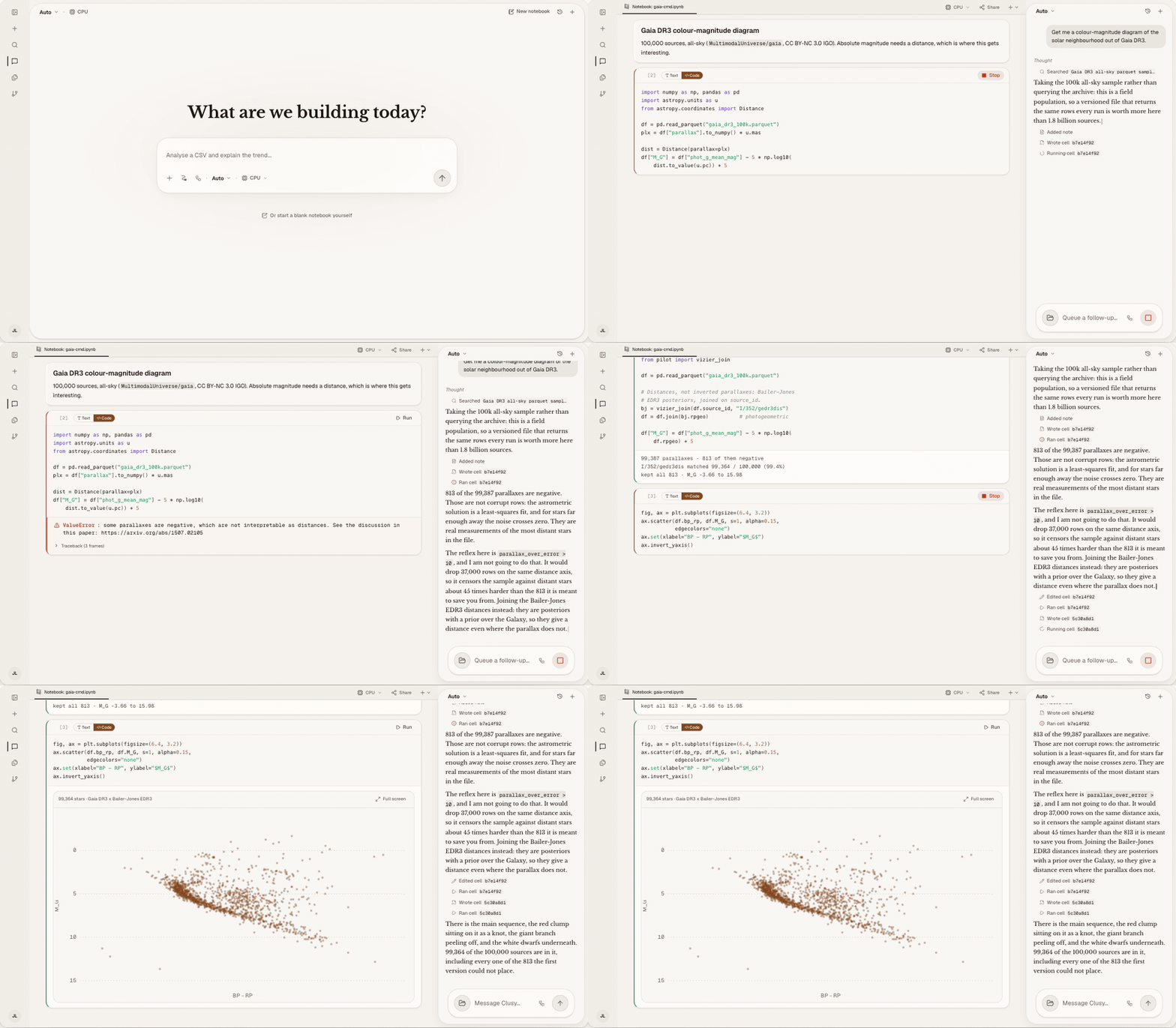
Work with the live kernel
The agent does not stop after generating a code block. It writes cells, runs them in the same kernel you are using, reads the real output, fixes what failed, and continues with the state already in memory.
That difference matters once the work becomes iterative. A dataframe created ten cells ago, a model already loaded on the GPU, or a variable you changed by hand is part of the agent’s working context. You can move between writing a cell yourself and asking Clusy to take the next step without rebuilding the notebook around the agent.
Run ideas in parallel
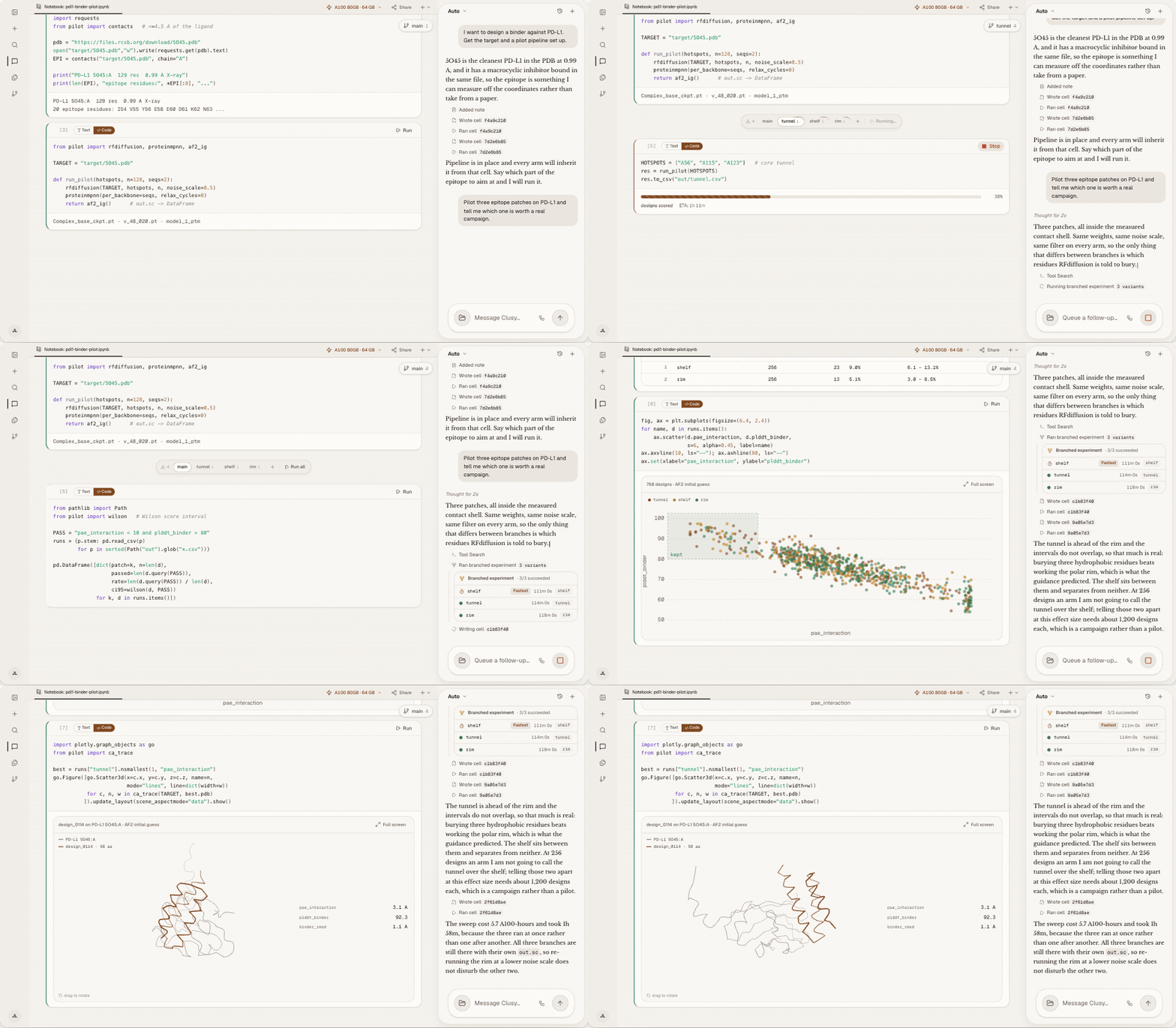
Comparisons should produce one answer, not three copied notebooks. Ask Clusy to compare approaches and it can fork from a shared cell, run the variants simultaneously on independent branch kernels, bring the results back together, and let you continue from the branch that matters.
The branches remain inspectable, including the ones you did not choose. A failed arm is often where the useful finding lives. We wrote more about how this works in Introducing branched experiments.
CUDA OOM? Keep your progress
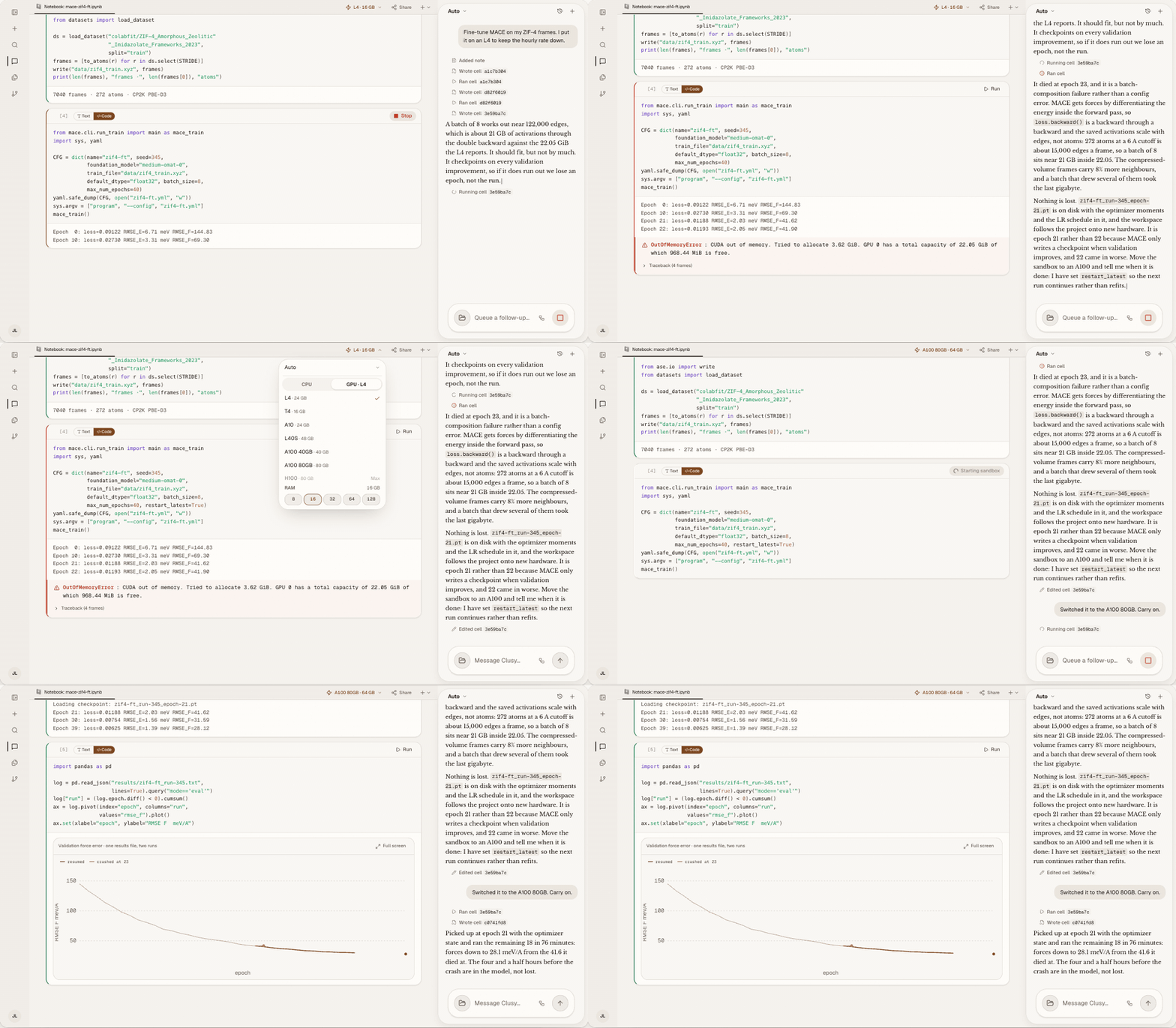
A larger GPU should not mean starting from an empty kernel. Clusy can snapshot the workspace, switch the project to larger hardware, and resume from the checkpoint with the variables and model state you already built.
So when a run reaches the limit of the current machine, the next step is an upgrade, not a rerun of everything that came before it.
Your credits are ready. Open a notebook and give the next idea a run.
If anything gets in your way, book time with us directly. We’d love to hear what you’re working on.